Let me tell you what happens on most websites when a page gets deleted.
The developer removes it. The server starts returning a 404. Everyone moves on. Nobody thinks twice about it, because nothing visibly breaks. The page is gone, the error code is there, seems fine.
But Google is still visiting that URL. Tomorrow. Next week. Three weeks from now. It keeps showing up, crawling a page that does not exist, because a 404 does not actually tell Google the page is gone forever. It just says the page is not there right now. Could be a glitch. Could be temporary. Google does not know, so it keeps checking.
There is a status code specifically designed to fix this. It is called a 410. Most site owners have never used one. A lot of developers forget it exists. And in the meantime, sites across the web are leaking crawl budget to dead URLs, carrying index clutter they do not need, and leaving link equity sitting on pages that return nothing — all because nobody swapped two digits in a server configure.
This is a post about that fix. What the 410 does, when to use it, when not to, and what actually happens to your site when you handle dead pages properly, versus when you do not. If you are working on on-page SEO for any site that has had pages deleted over its lifetime, this matters.
1- So What Is the Actual Difference
Start with the basics. HTTP status codes are three-digit responses your server sends back whenever a browser or crawler requests a URL. 200 means it loaded fine. 301 means it moved somewhere else permanently. 500 means your server is having a bad day.
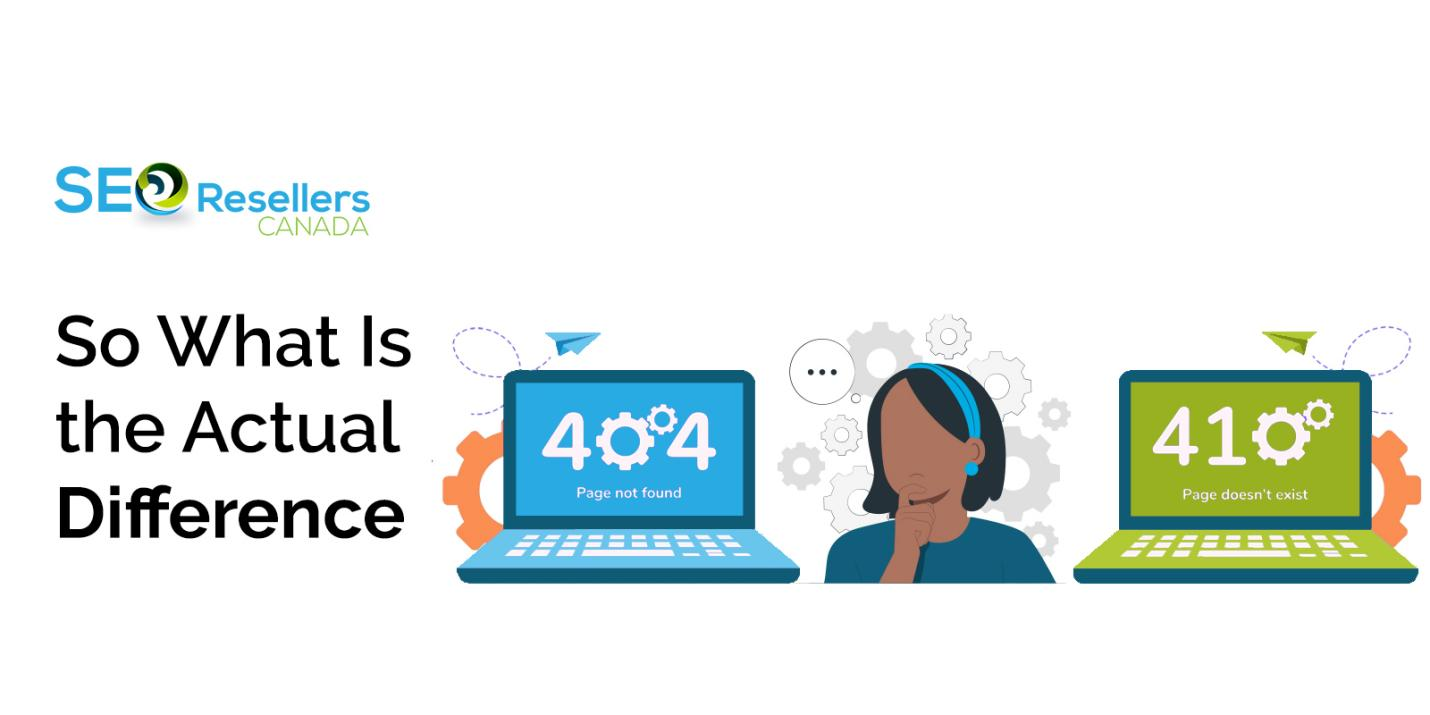
The 4xx group is where missing and broken pages live. And inside that group, 404 and 410 both mean “this page is not here” — but they say it in completely different ways.
404 Not Found — the server has no content at this URL. No indication of why. No indication of whether it is coming back. Google’s response: add it to the re-crawl list and check again later.
410 Gone — the server is explicitly saying this resource was removed on purpose and will not return. Google’s response: de-index it and stop visiting.
One of those responses wastes crawl budget for weeks. The other ends the process in days. That is the whole difference — and it is worth understanding before you delete your next page.
2- What Google Does With Each One — In Practice
When Googlebot hits a 404, it does not panic. It logs it, moves on, and schedules a follow-up. Then another. Then another. On active sites that get crawled frequently, Google might revisit a 404 URL five, six, seven times across four to six weeks before eventually deciding the page is not coming back.
That is not catastrophic for a single page. But most sites are not dealing with a single deleted page. They are dealing with the accumulated deletions of several years — old product pages, expired campaign URLs, blog posts that got merged or removed, location pages from service areas that no longer exist. Hundreds of dead URLs all quietly eating crawl budget, month after month.
The coverage report in Google Search Console on these sites is a mess. Hundreds of “Not found” and “Crawled – currently not indexed” entries that never get resolved, making it genuinely hard to see what is happening with live content. This is one of the first things that comes up in any thorough white label SEO audit — the kind of technical debt that builds up silently until someone actually looks at it.
A 410 cuts through all of that. Google encounters it, recognize the removal as deliberate, and typically de-indexes the URL within one to two weeks — sometimes faster on high-authority domains with frequent crawl schedules. No repeat visits. No extended queue time. Clean exit.
3- Three Scenarios and the Right Response for Each

3.1- The page is gone and it is not coming back
Use a 410. Discontinued product, closed service area, old blog post you merged into something else, campaign landing page from two years ago. Anything you are certain will never be live again. The 410 sends the right signal and Google processes it faster.
3.2- The page is missing but you are not sure why
Leave it on 404 for now. Maybe it was accidentally deleted. Maybe it is mid-restructure. Maybe the product is temporarily out of stock. The 404 keeps options open — if the page comes back, Google picks it up again. The 410 closes the door permanently, which is wrong to use when you are not actually certain.
3.3- The page had any SEO value — links, rankings, traffic
Do a 301 redirect to the closest relevant live page. This is the option that gets skipped most often, and it is the most important one. A 410 and a 404 both let link equity die. A 301 saves it — passing most of the authority from the deleted page to wherever you redirect it.
Before you 410 anything, check its backlink profile. If external sites are linking to it, a 301 to a relevant live page is almost always the better call. Losing those links permanently because you forgot to check is a genuinely frustrating mistake, and one that fits squarely into off-page SEO territory — backlinks are assets, and dead pages stop them working.
4- How to Set Up a 410 — It Takes About Two Minutes

On Apache, this goes in your .htaccess file:
Redirect 410 /the-deleted-page-slug
On Nginx, inside your server block:
location = /the-deleted-page-slug { return 410; }
WordPress users can handle this through the Redirection plugin without touching any server files. Shopify and other hosted platforms have their own methods, but the principle is the same across all of them — you are telling the server to return a 410 response code for that specific URL.
To confirm it worked: open Chrome, hit F12, go to the Network tab, load the URL, and look at the status code in the response. Or use the URL Inspection tool in Google Search Console and run a live test. You should see 410 in the response data.
To confirm which URLs on your site are returning 404s and need attention, run a full crawl first. Tools like Ahrefs Site Audit will pull every broken and dead URL across your domain in one report — you can filter by status code, see which dead pages still have backlinks pointing at them, and prioritise which ones need a 301 versus a straight 410. That backlink data is the most important part. A URL with three solid inbound links sitting on a 404 is a different problem to one with none.
5- After You Implement — What to Actually Monitor
Pull up your Google Search Console coverage report a week after making the changes. The 410’d URLs should start moving out of the “Not found” column. Give it two to three weeks and most of them should be gone entirely from your report.
If you are running local SEO for a business with multiple service locations, pay attention to old city and area pages specifically. These get deleted all the time when service areas change — and they almost always get left as 404s. They then sit in the crawl queue and muddy the local signal for the pages you actually want Google reading. Cleaning them up with 410s is one of the faster wins available in local technical SEO.
Keep a log of everything you 410’d and when. Seems obvious. A surprising number of teams do not do it. Six months later someone wants to know why a URL returns a 410 and nobody remembers making the change.
6- The Bigger Picture — Why Technical Debt Like This Compounds
One or two dead 404s on a five-page site — genuinely not a problem. But sites that have been live for three, four, five years and have never done a dead URL audit are usually carrying more technical weight than they realize.
Agencies that work with established clients through SEO outsourcing arrangements find this constantly during on-boarding. Old sites, lots of deleted content, nobody ever addressed the status codes. It is one of the first things worth pulling up — a Screaming Frog crawl takes an hour and usually surfaces more fixable issues than the client expected.
From a crawl budget standpoint, the fix is immediate. From a Google Search Console clarity standpoint, the improvement through On page Tactics shows up within a month. For clients who are skeptical that technical SEO does anything tangible, dead URL cleanup is one of the easiest things to point to because the before and after in the coverage report is visible and clear.
7- To Wrap It Up
The 404 and the 410 both handle missing pages. The difference is whether Google thinks the page might return or knows for certain it will not.
Use a 410 for anything permanently deleted. Use a 301 for anything that had links or traffic. Leave a 404 on anything you are not sure about. And before you make any of those calls, check if the page had backlinks — because that one step determines whether you preserve link equity or lose it.
It is not complicated and it is not time-consuming. It is just one of those things that most sites never get around to addressing — and it costs them more than they know. For a deeper look at how this fits into the full picture, see how we approach both on-page SEO and off-page SEO as connected disciplines rather than separate checklists.
8- FAQs
8.1- My old product page is still showing in Google three weeks after I deleted it. What's going on?
Almost certainly a 404 issue. Google does not treat 404 as permanent — it keeps rechecking for weeks before giving up. Switch it to a 410 and Google will usually clear it within one to two weeks. One thing to check first though: does that page have any backlinks from other sites? If yes, a 301 redirect to a relevant live page is smarter — you keep the link value instead of losing it.
8.2- Will using a 410 hurt my rankings?
Not on its own. A 410 on a page you genuinely deleted is just honest communication with Google. What hurts rankings — indirectly — is leaving large numbers of permanently dead pages on 404, because it wastes crawl budget that could be going to your live content. The 410 is the cleaner option. Use it on anything you know is gone for good.
8.3- What if I 410 a page and then want it back?
You can bring it back. Remove the 410 rule from your server config, serve the page normally, and Google will crawl and index it again. It will not pop back instantly — Google treats it like a new URL since it already cleared it from the index. Could take a few weeks to reappear in search. That is why the 410 is only for pages you are genuinely done with.
8.4- I have about 200 dead URLs on my site. Do I 410 all of them?
First split them into two groups. Pages with backlinks or any organic history — redirect those with 301s to the closest relevant live content. Pages with nothing pointing at them and no SEO history — those are the 410 candidates. Running a quick backlink check on each URL before deciding saves you from accidentally throwing away link equity you did not know was there.
8.5- What is the simplest way to explain 410 vs 301 to a client?
A 301 is a forwarding address — the page moved, here is where to find it now, please update your records. The authority transfers to the new URL. A 410 is a deletion notice — the page is gone, do not look for it. No forwarding, no authority passes anywhere. If the deleted page had any SEO value at all, 301 is almost always the right call. The 410 is for truly dead pages with nothing worth salvaging.